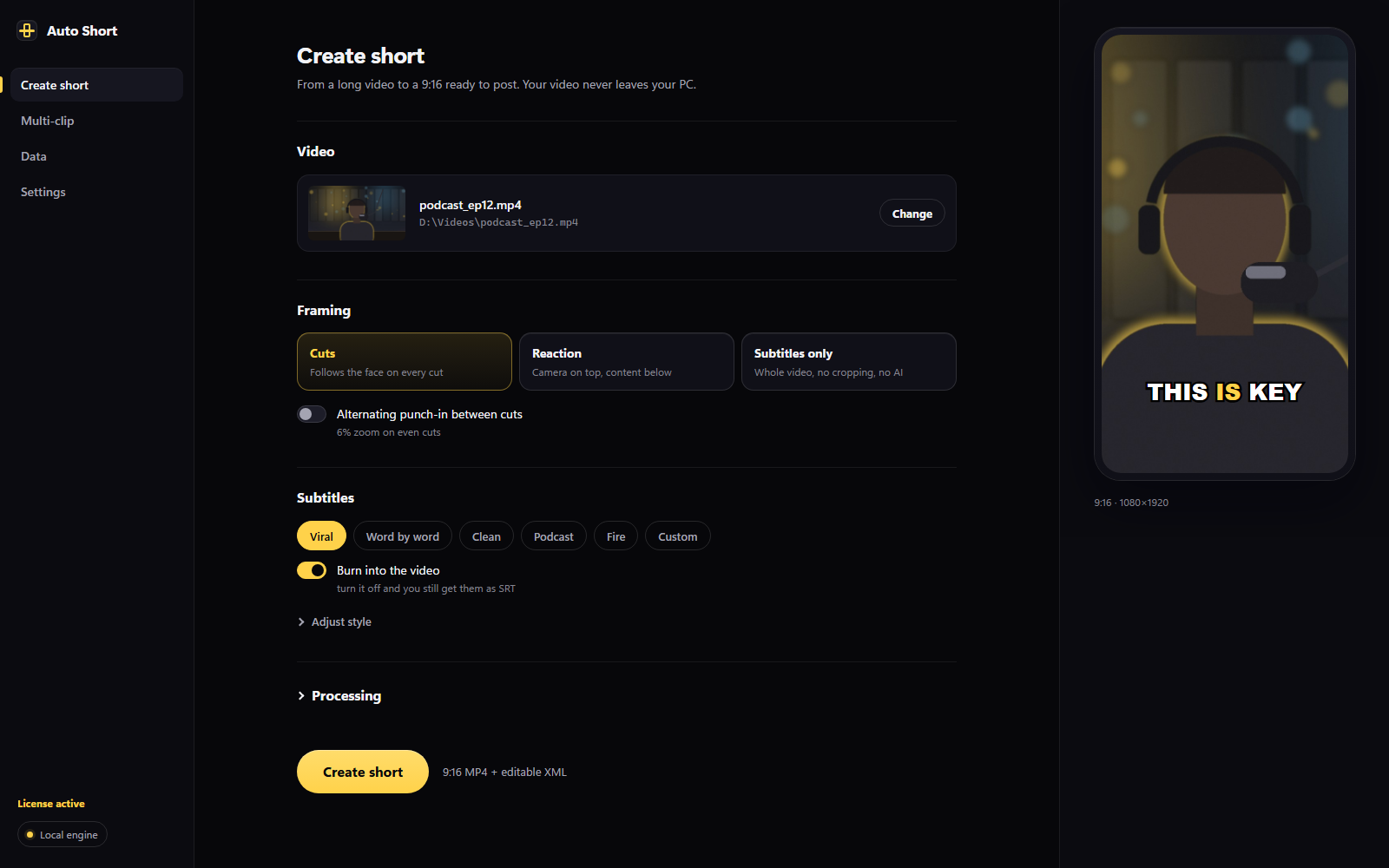
Auto Short analyzes your footage and surfaces the best moments, ranked and built vertically in 9:16 with subtitles — without your video ever leaving your PC.
Auto Short is a desktop plugin for Adobe Premiere Pro (Windows). Open it on your PC to download it: Premiere doesn't exist on mobile.
AI ranks the moments · you pick which to build
Select a clip in your Premiere project and hit "Edit short". The rest happens on its own, on your own PC.
Whisper runs on your own PC and transcribes the audio word by word. No uploading your video to any server.
Claude analyzes the text, scores the best moments and builds the hook while protecting the ending. Only text travels, never your video.
Creates the 9:16 sequence with karaoke subtitles and applies Auto Reframe to every cut. All editable in your timeline.
Automatic H.264 export straight to your shorts folder. And if something fails, the short still comes out with the fallback plan.
One minute: from a long video to a built, subtitled short — without leaving Premiere.
Watch on YouTube ↗
From an editable cut to a whole batch of ranked shorts. You pick the flow; your video never leaves your PC.
Generates a real 9:16 sequence in your timeline: clips, reframe and subtitles as a native Premiere track. Tweak anything before exporting.
Your facecam on top and gameplay below, in a vertical built on its own. Ideal for streamers: out comes a ready MP4, no manual aligning.
Analyzes a whole long video and lists the best moments ranked by AI. Check the ones you want and it builds them in a batch.
Place your camera anywhere in the frame and watch the 9:16 vertical update instantly, with nothing to render. Try it right here.
Your clip goes in at 16:9 and comes out at 9:16 with the subject centered and frame-synced karaoke subtitles.
Web tools hand you a locked MP4. Auto Short hands you a Premiere sequence you can tweak frame by frame.
Every cut, subtitle and reframe lands as real clips and layers in your timeline. Change anything before exporting: it's your edit, with 90% of the work already done.
1 to 3 words on screen, frame-synced, as a native Premiere subtitle track.
The AI opens with the strongest moment and is forbidden from trimming the ending: the payoff always lands.
Premiere's 9:16 reframe applied by script to every cut, following the action with no manual work.
Multi-clip: the AI ranks the best moments of a long video and you build the ones you pick in a batch.
Facecam + gameplay in a vertical split, built on its own. Made for streamers and reactions.
Shorts from 15 to 180 seconds. You set the target and the cut plan adapts.
Same AI magic. Without giving up control, privacy or your Premiere workflow.
Monthly subscription with AI included. Cancel anytime from your customer portal.
Taxes by your country. Payment handled by Polar.
Adobe Premiere Pro on Windows, an internet connection for AI planning, and an Auto Short license. Transcription and building run on your own machine.
Yes. That's the SmartScreen warning for new installers that aren't digitally signed yet, not a virus detection. Click More info and then Run anyway. The install is for your user only and asks for no admin rights.
No. The video, the audio and the final result never leave your PC. Only the text transcription travels to our cloud to decide the cuts, and we don't store it.
No. The subscription includes AI usage through our service. You just paste your license key once in the panel settings.
Yes, that's the whole point. Auto Short generates a real Premiere sequence with cuts, subtitles and reframing as editable elements. Adjust whatever you want and export.
Yes. With multi-clip, Auto Short analyzes a whole long video and proposes the best moments ranked by AI. Check the ones you want and it builds them in a batch, all locally.
A vertical montage that puts your facecam on top and the gameplay (or whatever you share) below, generated automatically. Out comes a publish-ready MP4, with no manual split alignment.
You can generate 3 AI shorts for free every month, no card. The limit is per device and renews monthly; subscribe for unlimited use.
You keep the plugin installed, but AI planning stops working when the paid period ends. You can reactivate it anytime from the customer portal.
Yes. If within the first 14 days the plugin doesn't fit your workflow, write to us and we'll refund you.
Stop jumping between web tools. Build, subtitle and export without your video ever leaving your PC.